
CalcBuilder Tutorial
Calc Builder field type: Linked List SQL
A Linked List SQL is a drop-down whose options come from a database query that is re-run every time another field — the trigger field — changes. Pick a Country and the server returns that country’s cities from your own table.
How it differs from the Linked List
| Linked List | Linked List SQL | |
|---|---|---|
| Options | Typed in (Multiple Values) | Rows returned by an SQL query |
| How the parent is chosen | Naming rule: variable country_city → parent country | The Trigger field setting; the variable name is free |
| How options are filtered | Value prefix (FR_…) | Your WHERE, using ##variable## |
| When the list is filled | Instantly in the browser | AJAX call to the server on each trigger change |
| In PHP | $var (value) + $var_name (label) | $var (value) only |
Example: Country → City from a table
1. The data. Any table in the Joomla database will do. The example uses this one
(#__ is your site’s table prefix):
CREATE TABLE #__cbdemo_cities (
  id         INT AUTO_INCREMENT PRIMARY KEY,
  country    CHAR(2)      NOT NULL,   -- ES, FR, IT ... (= the Country option values)
  code       CHAR(3)      NOT NULL,   -- MAD, BCN, PAR ...
  city       VARCHAR(100) NOT NULL,
  population INT          NOT NULL
);
INSERT INTO #__cbdemo_cities (country, code, city, population) VALUES
('ES','MAD','Madrid',3416771), ('ES','BCN','Barcelona',1702547),
('ES','VLC','Valencia',825948), ('ES','SVQ','Seville',684025),
('FR','PAR','Paris',2102650), ('FR','MRS','Marseille',873076), ('FR','LYS','Lyon',520774),
('IT','ROM','Rome',2748109), ('IT','MIL','Milan',1366155), ('IT','NAP','Naples',909048);
2. The trigger field. Add a field Country, Variable country, Type
Option List, with the options Spain/ES, France/FR,
Italy/IT (exactly as in the Linked List example). The
“Saved in database” values are what the query will receive.
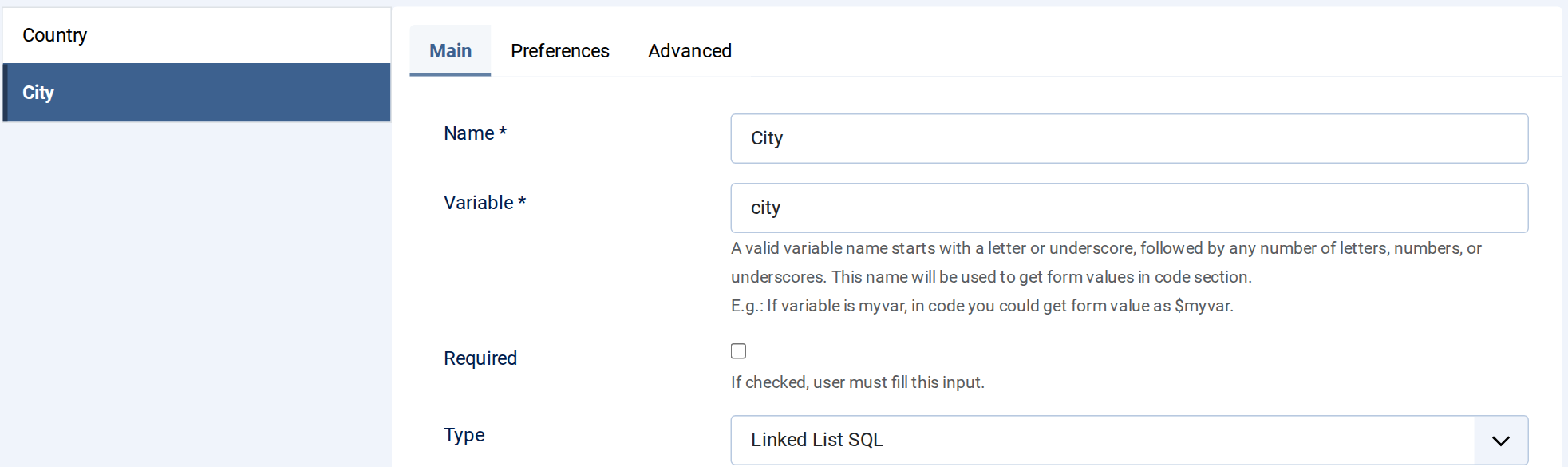
3. The Linked List SQL field. Add a field City, Type Linked List
SQL. The variable name can be anything — here city:
4. SQL query and Trigger field. On the City field’s Advanced tab fill in two boxes and leave Multiple Values empty:

- SQL query:
SELECT code, city FROM #__cbdemo_cities WHERE country = ##country## ORDER BY city- It must return two columns: the option’s value (what PHP receives) and its label (what the visitor sees).
##country##is replaced by the current value of the form variablecountry, already quoted and escaped ('IT'). Don’t add quotes yourself —'##country##'would break the query. Any form variable can be used this way, e.g.##country_name##.#__is replaced with the site’s table prefix.
- Trigger field: Country. When the visitor changes it, the query runs again and the list is rebuilt. The drop-down offers this calculator’s Option List, Multiple Option List and Linked List fields (an Option List or Linked List is the natural choice).
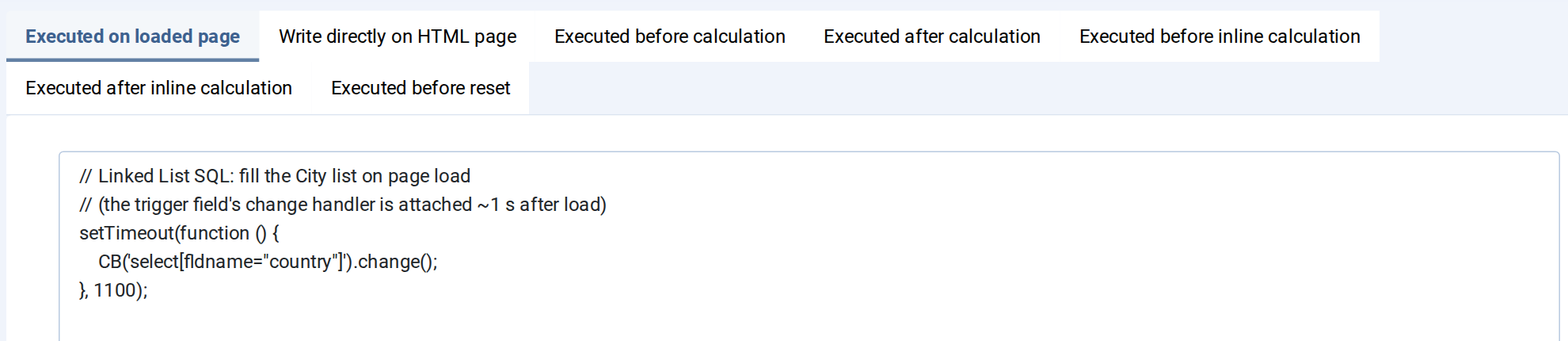
5. Fill the list on page load (JS Code → Executed on loaded page). The query only runs when the trigger field changes, so on first load the City list would stay empty until the visitor touches Country. This line fires that change for them:
// Linked List SQL: fill the City list on page load
// (the trigger field's change handler is attached ~1 s after load)
setTimeout(function () {
    CB('select[fldname="country"]').change();
}, 1100);
6. Form Layout.
<div class="row g-3" style="max-width:520px">
  <div class="col-6"><label class="form-label fw-bold">Country</label>##country##</div>
  <div class="col-6"><label class="form-label fw-bold">City</label>##city##</div>
  <div class="col-12 mt-4"></div>
</div>
7. PHP code. $city holds the first column of the chosen row
("MIL"); there is no $city_name. Because the value is a real key, PHP can look up
anything else it needs — here the population:
// $country -> value of the chosen country, e.g. "ES"
// $city    -> first column of the chosen SQL row, e.g. "MAD"
$db = \Joomla\CMS\Factory::getContainer()->get(\Joomla\Database\DatabaseInterface::class);
$query = $db->getQuery(true)
    ->select($db->quoteName(['city', 'population']))
    ->from($db->quoteName('#__cbdemo_cities'))
    ->where($db->quoteName('code') . ' = ' . $db->quote($city));
$row = $db->setQuery($query)->loadObject();

$city_name  = $row ? $row->city : '';
$population = $row ? number_format($row->population) : '';
8. Exit Layout.
<div class="p-3 border rounded" style="max-width:520px">
  <div class="d-flex justify-content-between mb-2"><span>City</span><strong>##city_name## (##country_name##)</strong></div>
  <div class="d-flex justify-content-between mb-2"><span>Value received in PHP</span><strong>##city##</strong></div>
  <hr>
  <div class="d-flex justify-content-between"><span>Population</span><strong style="font-size:1.3rem">##population##</strong></div>
</div>
Result
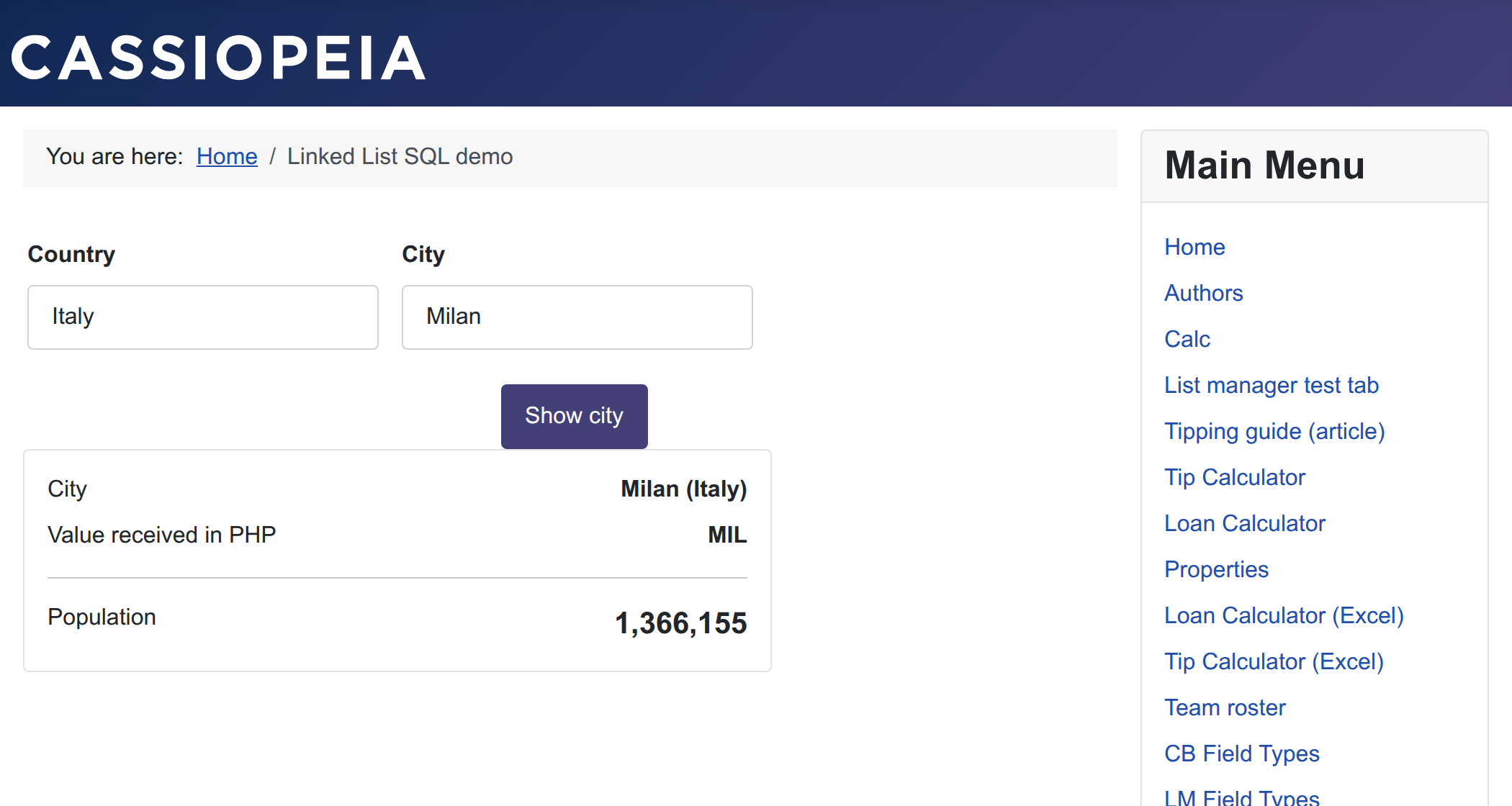
Choosing Italy reloads City with Milan, Naples and Rome straight from the table; add a row to the table and it appears in the list with no change to the calculator.
Part of the Form Fields reference. For a short, fixed list of options the plain Linked List is simpler.